Introduction
JobsMe's Computer Awareness posts are topic-wise study notes written specifically for the Computer Knowledge and Computer Aptitude sections of IBPS, SBI, SSC, RBI, and all other competitive examinations where computing concepts are tested. Each post covers one topic in complete depth - with clear definitions, structured tables, exam-pattern framing, previous year question (PYQ) examples, keyboard shortcut lists, and memory aids to help you retain and recall exam-critical facts quickly. After reading any post, test yourself immediately with the corresponding free interactive quiz in the Computer Awareness quiz archive. Logged-in users can track their score improvement across attempts.
Want to pair your Computer Awareness preparation with Banking Awareness? Visit the Banking Awareness section for complementary preparation. For current affairs updates involving technology, check daily current affairs.
Why Computer Awareness Is the Easiest Section to Master - If You Prepare Right
Computer Awareness has an unusual characteristic that separates it from every other competitive exam subject: it rewards preparation almost perfectly. Unlike reasoning (where novel question formats can trip you up) or quant (where calculation errors can cost marks), Computer Awareness tests a finite, well-defined set of facts. Every question type is knowable in advance. Every answer is deterministic. If you have read the right material and practised the right questions, there are no surprises.
The challenge is not difficulty - it is coverage. The Computer Awareness syllabus spans many topics, and aspirants who prepare without a structured topic list often miss entire categories that appear in exams. JobsMe's topic-wise posts solve this by giving each subject its own dedicated, complete post - so you always know exactly what you have covered and what you still need to do.
Exam-Framed from the First Line
Every post opens by explaining exactly how that topic is tested - whether as direct one-liner MCQs ("Which key is used to...?"), match-the-following ("Match the shortcut key with its function"), or identification-based questions ("Which of the following is NOT an input device?"). Reading with this exam lens from the start makes you a more efficient learner because you know precisely what to focus on and what level of depth is needed.
PYQ Analysis in Every Post
Each post includes examples of how that topic has been asked in previous papers of IBPS RRB, IBPS PO, SBI Clerk, SSC CGL Tier 2, and other major exams. This reveals which sub-topics get asked most frequently and in what question formats - so you spend your preparation time where it returns the most marks.
Quick Revision Tables and Shortcut Lists
Every post includes at least one structured table or list designed for fast revision - shortcut key tables, hardware component comparison charts, network topology feature tables, OS type comparison grids, and memory type specification tables. These are formatted for screenshot, save, and last-minute revision on exam morning.
Topic-Wise Post Coverage
Fundamentals and History
- Basics of Computers - definition, characteristics, limitations
- History and Generations of Computers - 1st through 5th generation, key milestones
- Types of Computers - supercomputer, mainframe, minicomputer, microcomputer, workstation
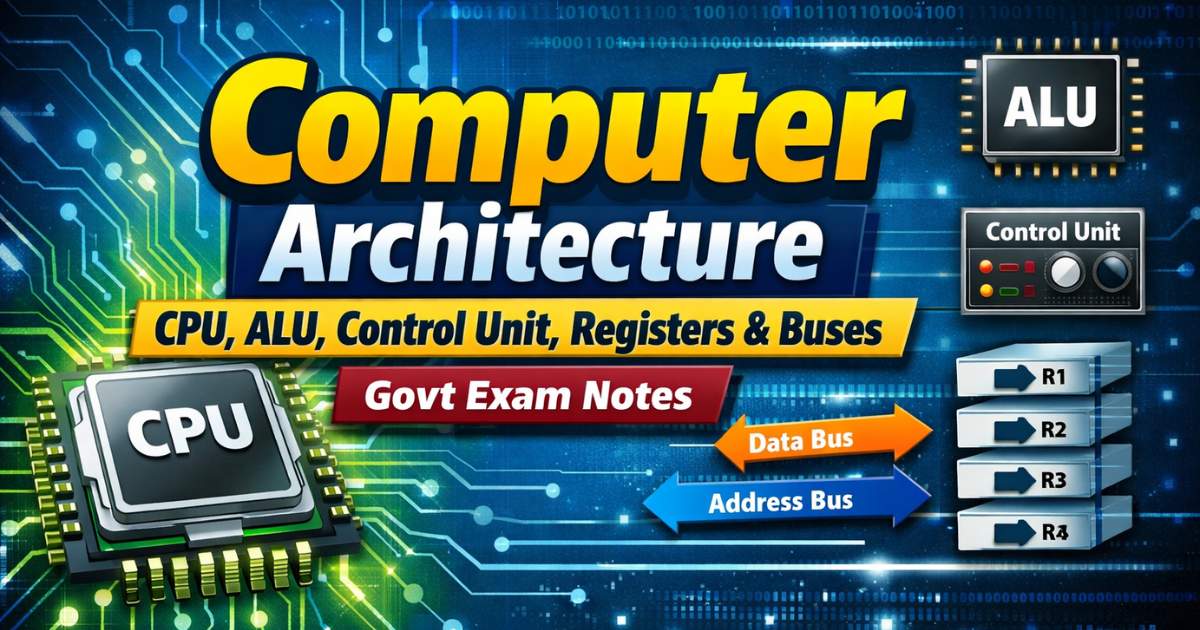
- Computer Architecture - CPU, ALU, Control Unit, registers, buses
Hardware Topics
- Input Devices - keyboard, mouse, scanner, OCR, OMR, barcode reader, touchscreen, light pen
- Output Devices - monitor (types), printer (types: inkjet, laser, dot matrix), plotter, speaker
- CPU and Processor - clock speed, cores, cache, generations
- Memory - RAM types, ROM types, cache memory, virtual memory, memory hierarchy
- Storage Devices - HDD, SSD, CD/DVD, Blu-ray, pen drive, memory card - capacity and speed comparison
- Computer Ports and Connectors - USB (types), HDMI, VGA, PS/2, audio jack, Ethernet
Number Systems and Logic
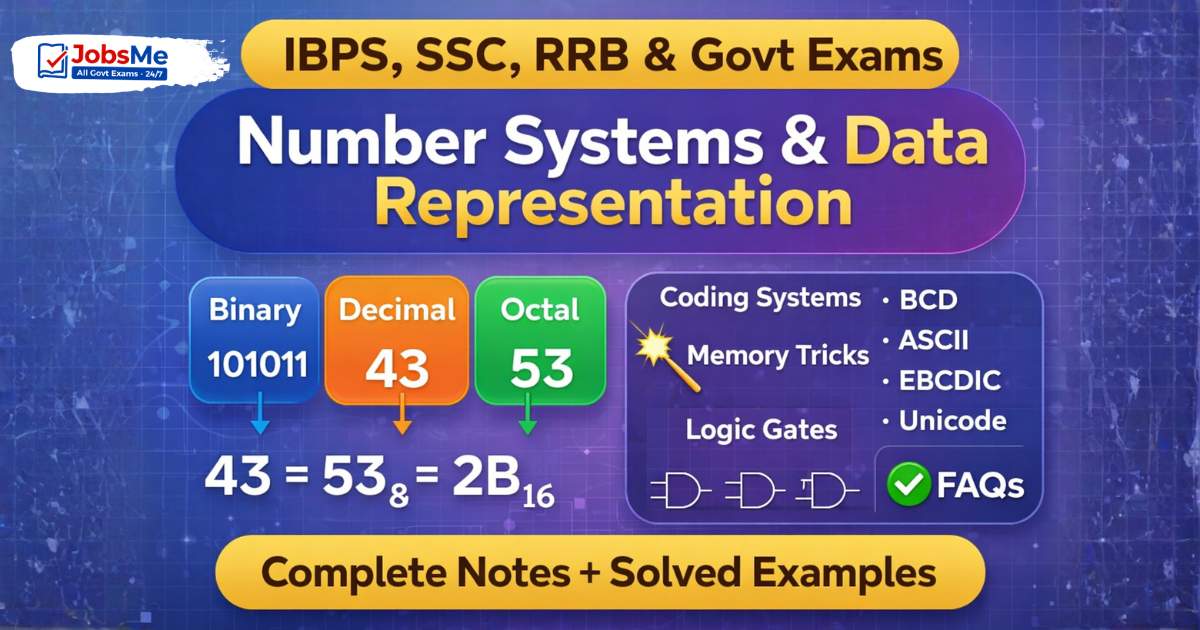
- Number Systems - binary, octal, decimal, hexadecimal; conversion methods
- Binary Arithmetic - addition, subtraction, complement methods
- Logic Gates - AND, OR, NOT, NAND, NOR, XOR, XNOR - truth tables, symbols, applications
- Boolean Algebra basics
Software and Operating Systems
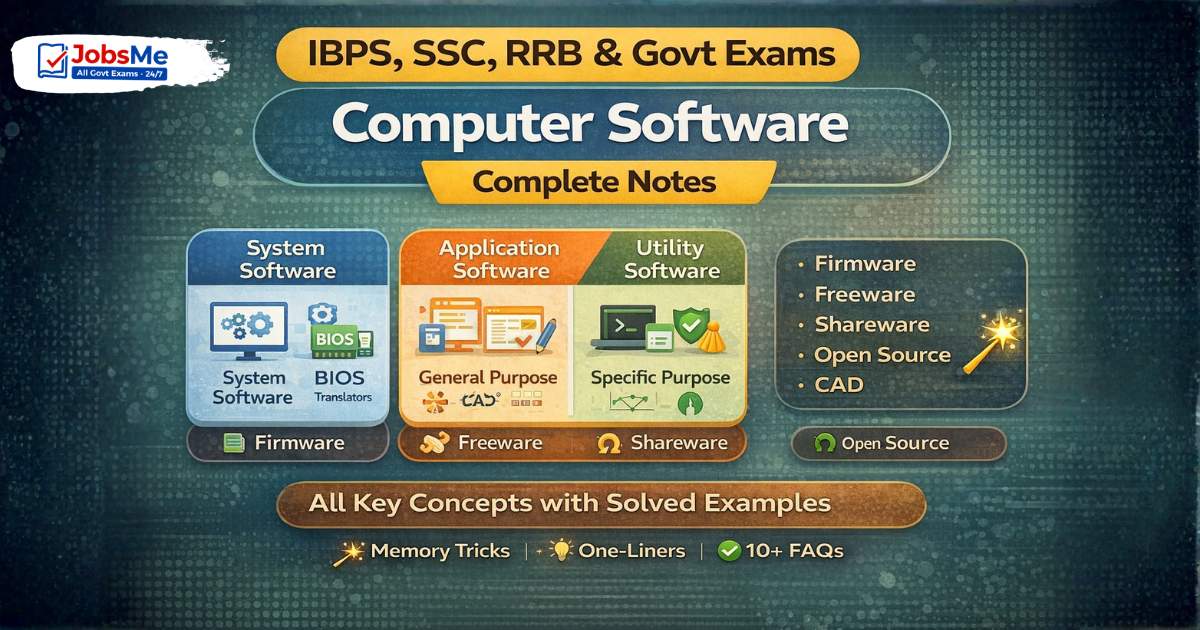
- System Software vs Application Software
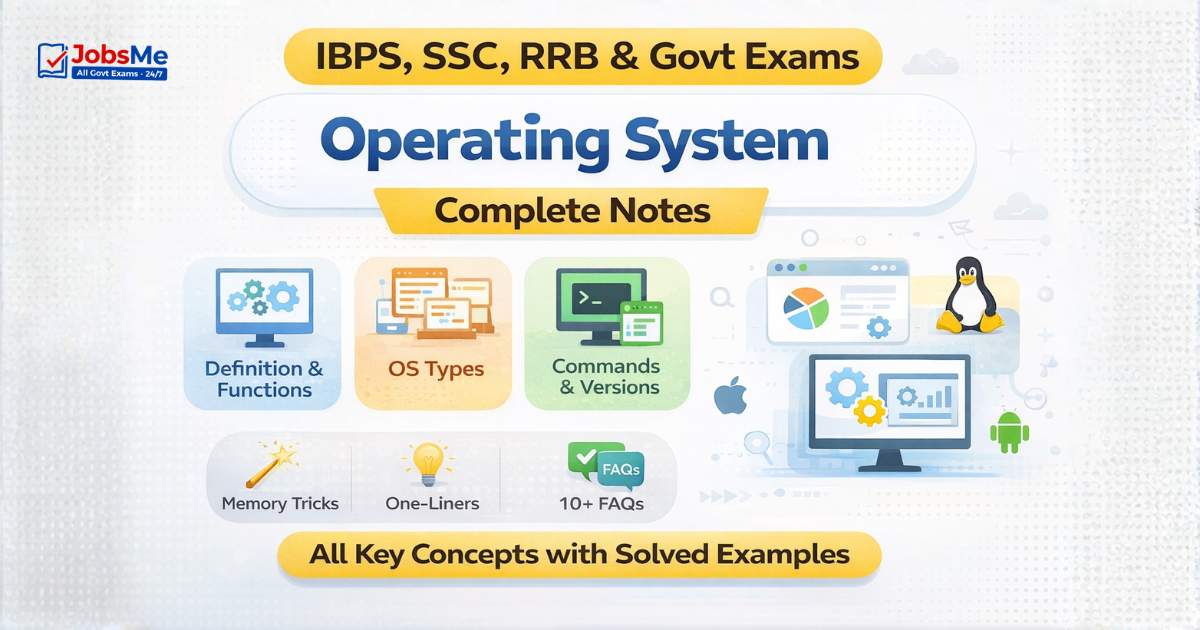
- Operating Systems - types, functions, popular OSes (Windows, Linux, macOS, Android)
- Windows OS - file management, Control Panel, Windows Explorer, Task Manager
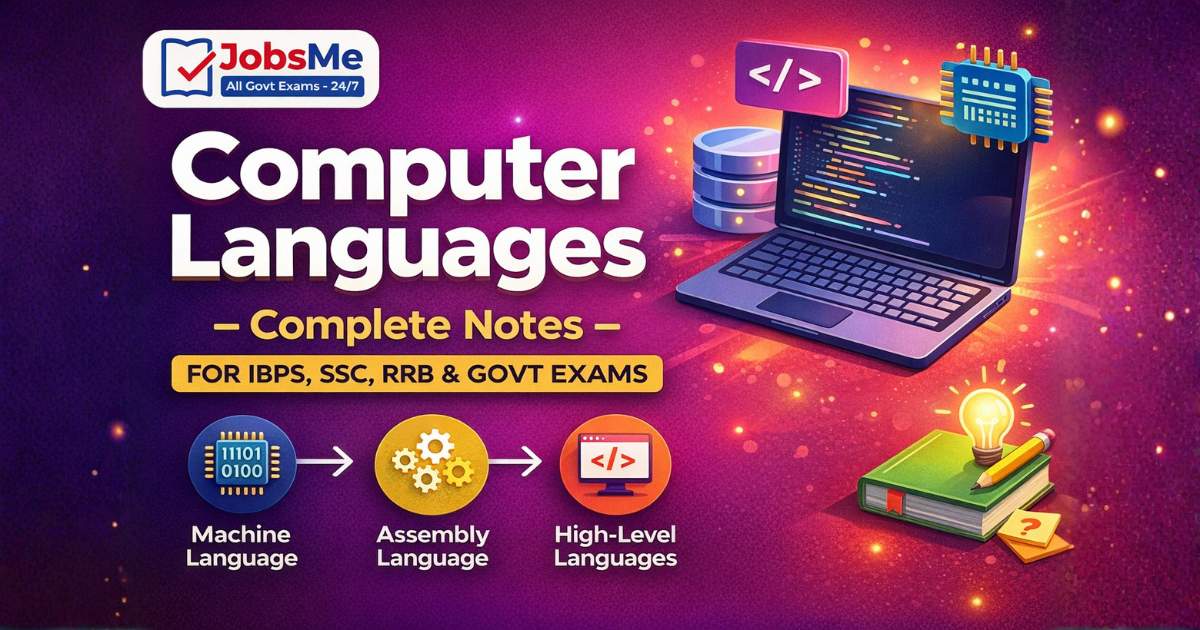
- Programming Languages - generations (1GL-5GL), compiled vs interpreted, high-level vs low-level
- Types of Software Licenses
Microsoft Office
- MS Word - document creation, formatting, shortcut keys, mail merge, track changes
- MS Excel - cell operations, formulas (SUM, AVERAGE, IF, VLOOKUP, COUNTIF), charts, pivot tables, shortcut keys
- MS PowerPoint - presentations, slide layouts, transitions, animations, Presenter View
- MS Access - database tables, queries, forms, reports
- MS Outlook - email management, calendar, contacts
- MS Office Shortcut Keys - master list
Keyboard Shortcuts and Function Keys
- Function Keys F1-F12 - standard uses and exam-specific applications
- Common Keyboard Shortcuts - Ctrl combinations, Alt combinations, Windows key, application-specific shortcuts
- Browser Keyboard Shortcuts
- Excel-specific Shortcut Keys
Computer Networks
- Types of Networks - LAN, MAN, WAN, PAN, VPN, intranet, extranet
- Network Topologies - Bus, Star, Ring, Mesh, Tree, Hybrid - advantages, disadvantages, diagram
- Networking Devices - Router, Switch, Hub, Modem, Gateway, Bridge, Repeater, NIC
- Network Protocols - TCP/IP, HTTP, HTTPS, FTP, SMTP, POP3, IMAP, DNS, DHCP, ARP
- OSI Model - 7 layers, functions, mnemonic
- Transmission Media - coaxial, twisted pair (UTP/STP), fibre optic, Wi-Fi, Bluetooth
Internet and Web Technologies
- How the Internet Works - packets, routing, ISPs
- URL, IP Address, Domain Name System (DNS)
- IPv4 vs IPv6 - format, differences, examples
- Web Browsers - Chrome, Firefox, Edge, Safari, Opera
- HTTP vs HTTPS - difference and security implications
- HTML Basics - tags, structure, purpose
- Cloud Computing - public, private, hybrid cloud; SaaS, PaaS, IaaS; major providers
- Search Engines, Cookies, Cache
Cybersecurity
- Types of Malware - virus, worm, Trojan horse, ransomware, spyware, adware, rootkit
- Antivirus Software - functions, well-known examples
- Firewall - types, purpose, packet filtering
- Phishing, Vishing, Smishing - social engineering attacks
- Encryption - symmetric vs asymmetric, SSL/TLS, digital certificates
- Two-factor authentication, biometrics, password security
Database Management Systems
- File System vs DBMS
- DBMS vs RDBMS - differences, examples
- Key Terms - table, record, field, primary key, foreign key, schema
- SQL Basics - SELECT, INSERT, UPDATE, DELETE
- DBMS Software - MySQL, Oracle, MS Access, PostgreSQL
Computer Abbreviations
- 200+ essential computer abbreviations - CPU, RAM, ROM, BIOS, POST, GUI, OS, HTTP, HTML, URL, DNS, IP, LAN, WAN, SQL, AI, ML, IoT, USB, SSD, PDF, OCR, VPN, and many more
- Full forms and one-line definitions, grouped by category
Emerging Technologies
- Artificial Intelligence (AI) - definition, types (narrow AI, general AI), applications
- Machine Learning (ML) - supervised, unsupervised, reinforcement learning
- Internet of Things (IoT) - definition, applications, examples
- Blockchain - distributed ledger, cryptocurrency, applications
- Big Data - 3Vs (Volume, Velocity, Variety), tools, use cases
- Virtual Reality (VR) and Augmented Reality (AR)
How to Read Computer Awareness Posts Effectively
Tables Before Text
Every post has at least one table or structured list at or near the end. Read the table first - it shows you the scope of what needs to be memorised in that topic. Then read the explanation text to understand why these facts are what they are.
Prioritise by Exam
Computer Awareness questions vary by exam. For IBPS RRB, MS Office and networking are heaviest. For SSC CGL Tier 2, number systems, CPU architecture, and memory types carry more weight. For SBI Clerk, OS basics and shortcut keys are highest-frequency. Match your reading priority to your target exam.
Write the Shortcuts
For keyboard shortcut posts especially - write them out by hand at least once. The physical act of writing shortcut keys reinforces memory far better than passive reading. Use the quick revision table from the post for your written practice.
Attempt the Quiz Immediately
After reading any post, go to the Computer Awareness quiz for that topic within the same study session. Immediate testing after reading is the single most effective technique for converting short-term comprehension into long-term exam recall.

 Study Note